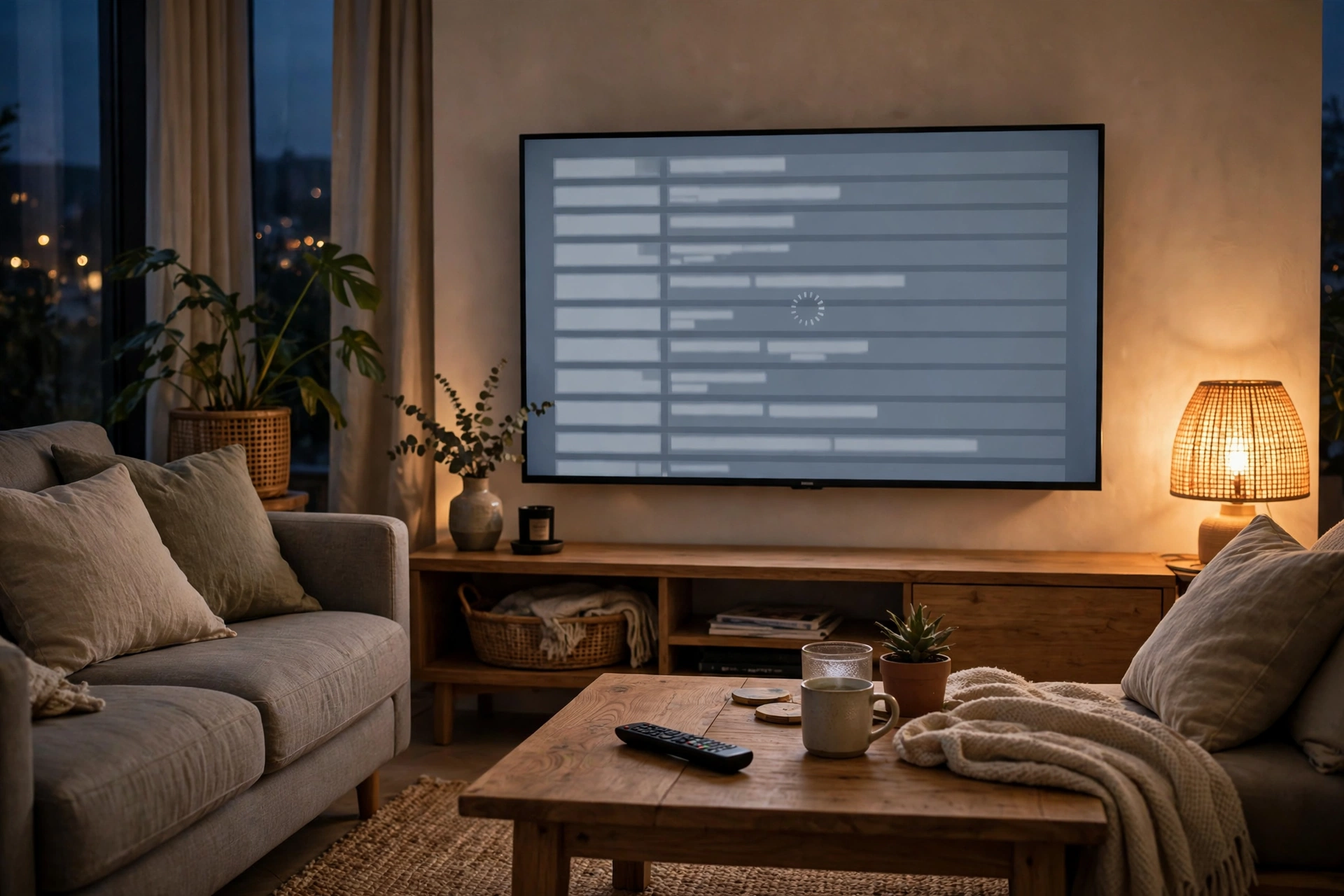
IPTV Channels Not Loading? 7 Quick Fixes
IPTV channels not loading is one of the most frustrating streaming problems: you sit down for the match, open your IPTV app, and nothing happens. The channel list is empty, the screen keeps spinning, or the channels you watched yesterday have simply vanished. The cause is almost always one of a handful of fixable problems — a stale playlist, a weak connection, an expired login, or a short outage on the provider side — and most take less than ten minutes to sort out. This guide works through the checks in the order that fixes the most cases first.
Quick Answer
When IPTV channels are not loading, restart your app and device, check your internet speed, reload your playlist, and confirm your subscription is still active. One of these four steps fixes most cases. If only some channels fail while others play, the problem is usually on the provider side — wait or contact support.
What usually causes IPTV channels not to load?
IPTV channels fail to load for a small set of reasons. The playlist your app uses is a live link to your provider: if that link expires, changes, or gets blocked, the app has nothing to show. Your connection is the second suspect — a slow line can leave the guide half-loaded even when other apps seem fine. Then there is the app itself: a full cache, an old version, or a login that quietly expired can all produce a blank screen. Finally, the provider side can go down for maintenance.
- Expired or changed playlist link: your provider updated the playlist URL or your subscription lapsed, so the app pulls an empty list.
- Weak or unstable internet: the guide data never finishes downloading, so the screen stays blank or spins.
- App cache or old version: corrupted temporary data blocks the channel list from refreshing.
- Provider outage: the servers are down, and every device in the house is affected at once.
- Wrong device time: some logins use time-based tokens, and a clock that is hours off can make a valid login fail.
- ISP blocking: a few providers restrict IPTV traffic, which can look exactly like a broken service.
How do I fix IPTV channels not loading?
Work through these steps in order, and stop as soon as the channels come back.
- Force-close the app and reopen it. Fully close the app from your device settings or recent-apps menu — do not just go back to the home screen — then open it again and give the guide a full minute to load.
- Restart the device properly. Unplug a Firestick, Android box or smart TV from the power for 30 seconds, then plug it back in. A full power cycle clears stuck processes that standby does not.
- Test your internet speed. Run a speed test on the same device or on your phone next to the TV. HD needs roughly 10 Mbps of stable speed, and 4K needs about 25 Mbps. If the number is far below that, the connection is the problem — not the channels.
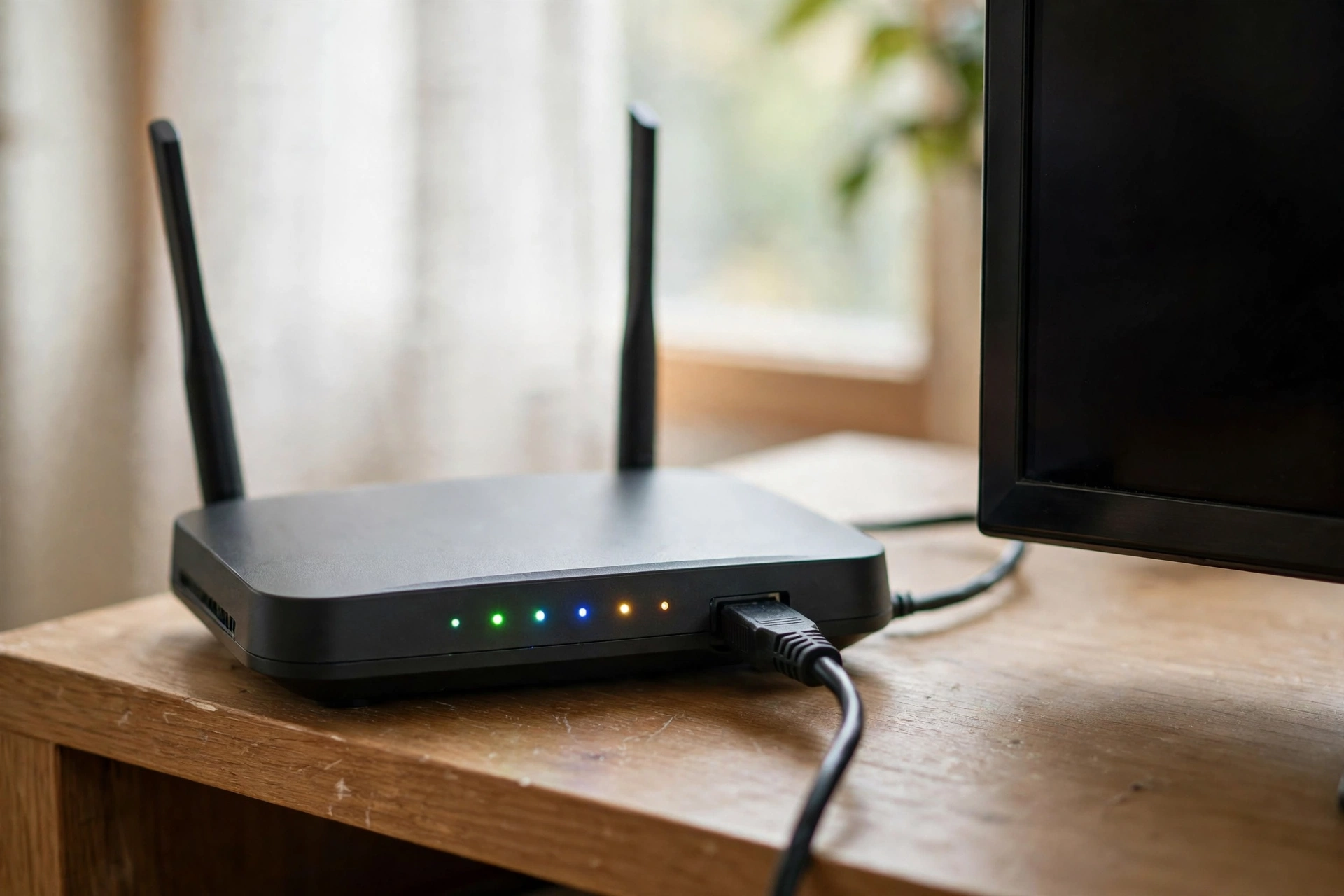
- Restart your router. Unplug it for 30 seconds, plug it back in, and wait two full minutes before testing again. If the TV is on Wi-Fi, try moving the router closer or switching to a wired connection to rule out a weak signal.
- Reload the playlist or re-enter your login. Use the refresh option for your playlist or portal. If your provider sent a new playlist link or new login details, remove the old entry and add the fresh one — old credentials are the most common cause of a suddenly empty list.
- Clear the app cache — or reinstall the app. In your device settings, clear the cache of your IPTV player, then reopen it. If that does not help, uninstall and reinstall the app, then add your playlist again.
- Try another device or network. Open the same playlist on your phone, or switch the TV to your phone hotspot for a minute. If the channels load there, the problem is your home network. If they fail everywhere, it points to the provider.
Why do only some IPTV channels fail to load?
When most channels work and a few do not, the cause is almost never your device or your internet. A single channel usually comes from a single source feed, and if that feed goes down or is renamed, that one channel disappears while everything else keeps playing. Sports channels are the most likely to drop during big events, when a source is overloaded. Check whether the missing channels share a theme — one country, one sport, one package — and if they do, wait an hour and reload the playlist. If the same channels stay missing for a full day, message your provider with the exact channel names.
IPTV channels not loading: the quick checks most people skip
A few small things cause a surprising number of blank screens. First, check the date and time on your device and set them to automatic — a clock that is wrong by hours can break login tokens. Second, if you use a VPN, turn it off for one test: a slow or blocked VPN server can stop the playlist from loading, and the same test in reverse can help if your ISP is throttling streaming. Third, check the storage on your device; a Firestick with almost no free space cannot download a fresh channel list.
OrigineTv is a Premium IPTV service offering 30,000+ live channels and 120,000+ movies and series in HD, FHD, 4K and 8K, with live sports and PPV. Plans are one-time payments starting at $19.99 for 1 month on 1 device, with a free 24-hour trial, and ordering and support run through WhatsApp on +212638196267. See the full price grid at our Premium plans page.
When should I contact my IPTV provider?
Contact your provider when the same channels fail on every device and every network, when the problem lasts more than an hour after a playlist reload, or when your login stops working entirely. Before you write, note three things: which channels are missing, whether the guide loads at all, and what you already tried. A good provider will tell you honestly whether a server is down, whether your playlist link changed, or whether your subscription needs renewing.
If the channels keep coming back only to disappear again, the service itself may be the weak link. A stable provider with a proper channel list, a working EPG and real support saves you from repeating this routine every week. Take a look at our Premium plans — 30,000+ channels, 120,000+ movies and series, and a free 24-hour trial to test everything on your own TV.
Stay safe while streaming
Streaming runs over your home connection, so a reliable VPN keeps your viewing private and can help when your ISP throttles streaming traffic — and antivirus protection keeps the device you stream on safer.
Some of the links in this section are affiliate links — we may earn a commission at no extra cost to you.
Frequently Asked Questions
Why do my IPTV channels load slowly but still play?
Slow loading with normal playback usually means the channel list or EPG data is downloading slowly, not that the video stream is broken. A weak Wi-Fi signal, a busy router, or a slow playlist server are the usual causes — restart the router and reload the playlist first.
Do I need a new playlist when channels disappear?
Not always. Reload the existing playlist first; providers update channel lists in place. You only need new login details if your provider tells you the playlist link changed, or if reloading returns an error or an empty list.
Can a VPN fix IPTV channels not loading?
Sometimes. A VPN helps when your ISP blocks or throttles IPTV traffic, because the encrypted connection hides the traffic type. It will not help if your playlist expired, your subscription lapsed, or the provider server is down.
How do I know if the problem is my provider?
Test the same playlist on another device and another network, such as your phone hotspot. If the channels fail everywhere, the problem is on the provider side. If they work on one network but not the other, the problem is your home connection.
Still deciding? Test your setup the low-risk way: start the free 24-hour trial, watch at your normal peak time, and see whether every channel loads on your own TV. View our Premium pricing — Premium plans start at $19.99 for 1 month on 1 device, ready within 10 min – 8H — and read the homepage FAQ for more setup help from Origine TV IPTV.
Sources & further reading
Try OrigineTv free for 24 hours
Full Premium access — every channel, every match, all VOD — on your own TV, free.
See Premium Plans Get 24H Trial