Best IPTV Apps & Players in 2026 for Firestick, Android & Smart TV
Your subscription decides what you can watch; the app decides how it feels. A good IPTV player loads fast, keeps the TV guide readable, and puts your favorites one click away — a bad one buries 30,000 channels under a clunky menu. IPTV apps fall into three families. Here is how to pick the right one for each of your devices.
1. Playlist players: the flexible all-rounders
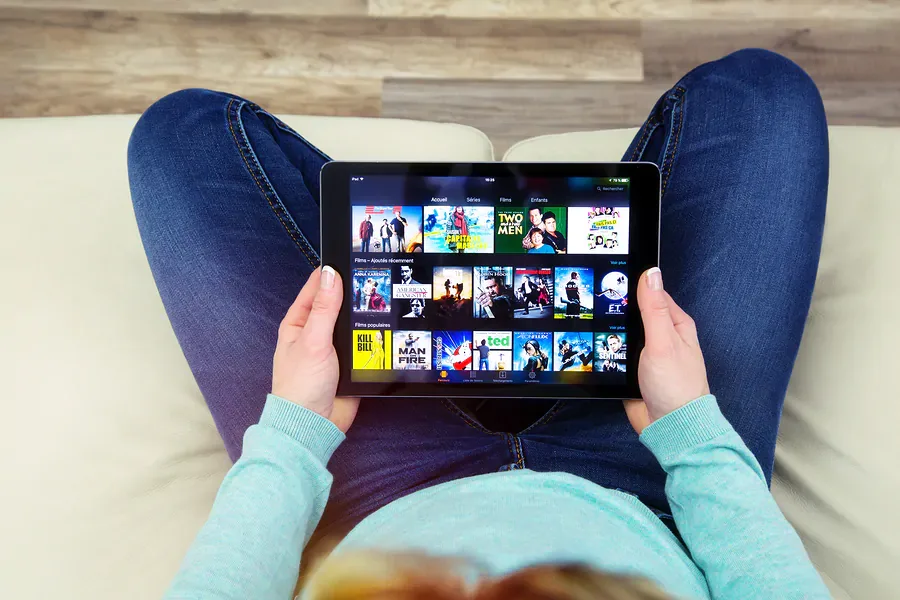
Playlist players load your subscription from a playlist link or login your provider gives you, then organize everything into live TV, movies, series and catch-up. They are the most popular choice on Firestick and Android because they handle huge libraries well and add the features people actually use: favorites, channel groups, search, and a proper EPG grid. On Android devices you will find them in the Google Play Store; on Firestick, through the Amazon Appstore. If you are setting one up from scratch, our Firestick setup guide covers the whole process step by step.
2. STB emulators and portal apps: the cable-box feel
An STB emulator recreates a traditional set-top box on your device: it generates a MAC address, your provider activates that address on their portal, and the interface behaves like classic cable — channel numbers, a familiar guide, quick zapping. It is the easiest option for viewers who want IPTV without learning a new interface, and it works on Android phones, Android boxes and Firestick. Our FAQ explains what an STB emulator is and how activation works in more detail.
3. Built-in smart TV apps: no extra hardware
Samsung, LG and Android TV sets run IPTV players natively from their own app stores, activated the same MAC-address way. Nothing extra sits under the TV and the set's own remote does everything. Google TV Help covers app installation on Android-based sets, while Samsung Support and LG Support document their own stores. Our smart TV setup guide walks through each brand.
Features that actually matter
- Full EPG support — a TV guide that loads completely and shows correct times.
- Favorites and groups — essential when the library has tens of thousands of channels.
- Catch-up and recording options — on channels that support them.
- Fast channel loading — zapping should feel instant, not like opening web pages.
- Regular updates — an app untouched for years will eventually break; check its store page.
Which app for which device?
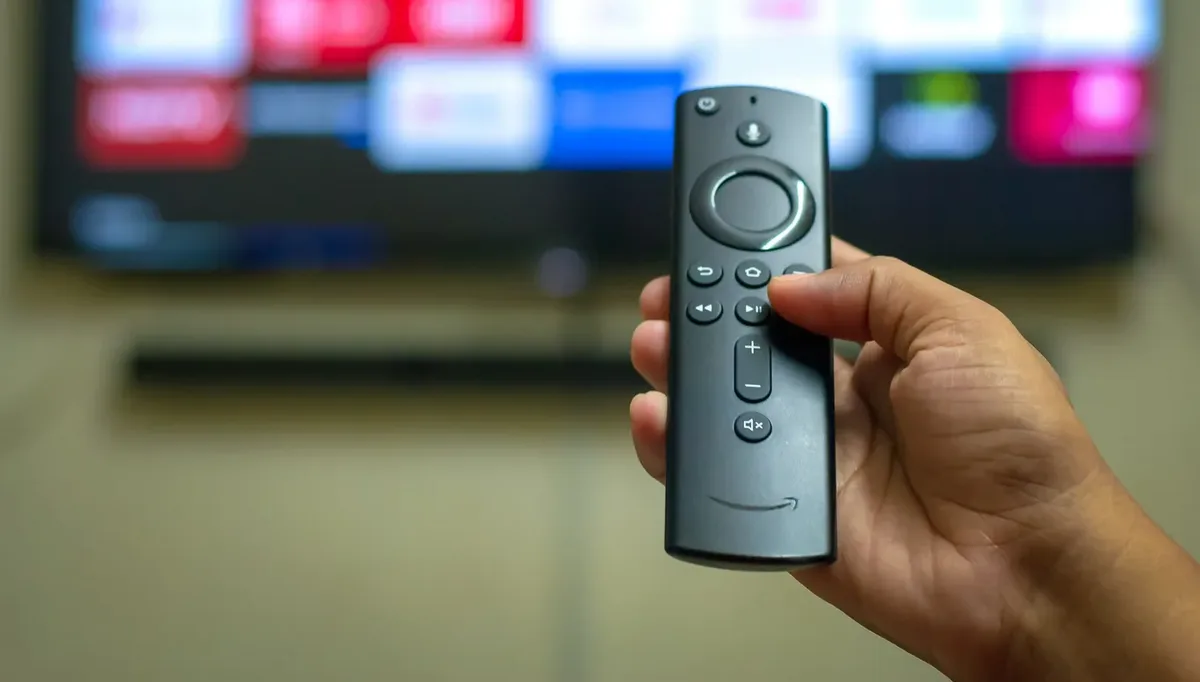
Firestick and Android box: a playlist player for power, or an STB emulator for simplicity. Smart TV: the native store app, so the TV remote runs everything. Phone and tablet: a playlist player — your favorites and guide sync into your pocket. Whichever you choose, download only from the official store for your device, and keep the app updated. With OrigineTv, support will tell you exactly which app fits your device and activate it with you — free — when you start your trial.
Sources & further reading
Try OrigineTv free for 24 hours
Full Premium access — every channel, every match, all VOD — on your own TV, free.
See Premium Plans Get 24H TrialStay safe while streaming
One practical tip whichever provider you choose: streaming runs over your home connection, so a reliable VPN keeps your viewing private and can help with ISP throttling at peak hours — and pairing it with good antivirus cover keeps the device you stream on protected too.
Some of the links in this section are affiliate links — we may earn a commission at no extra cost to you.