OrigineTv: The Complete Guide to Premium 4K IPTV Streaming in 2026
If you are cutting the cord in 2026, you have probably already searched for 4k media tv — and for good reason. OrigineTv / OrigineTv brings live channels, live sport, movies and series together in one Premium subscription that runs on the screens you already own. No dish, no rented box and no long contract. This complete guide explains what the service is, how the picture quality, library and technology actually work day to day, which devices it runs on, and exactly how to get started in three simple steps.
What is 4k media tv?
OrigineTv is a Premium IPTV service: television delivered over your internet connection instead of cable or satellite. One subscription gives you live TV from around the world plus a large on-demand library, all inside a single player app with a proper electronic program guide. You sign in on your TV, stick, phone or tablet and everything — channels, guide, favorites and on-demand — is already organized for you.
It is built for households that watch a mix of things: live sport on weekends, news in the morning, a film on Friday night and series through the week. Instead of juggling five separate apps and five separate bills, you open one app. That simplicity is the core idea behind OrigineTv / OrigineTv, and it is why so many viewers make it their main way of watching TV.
4K and FHD picture quality on 4k media tv
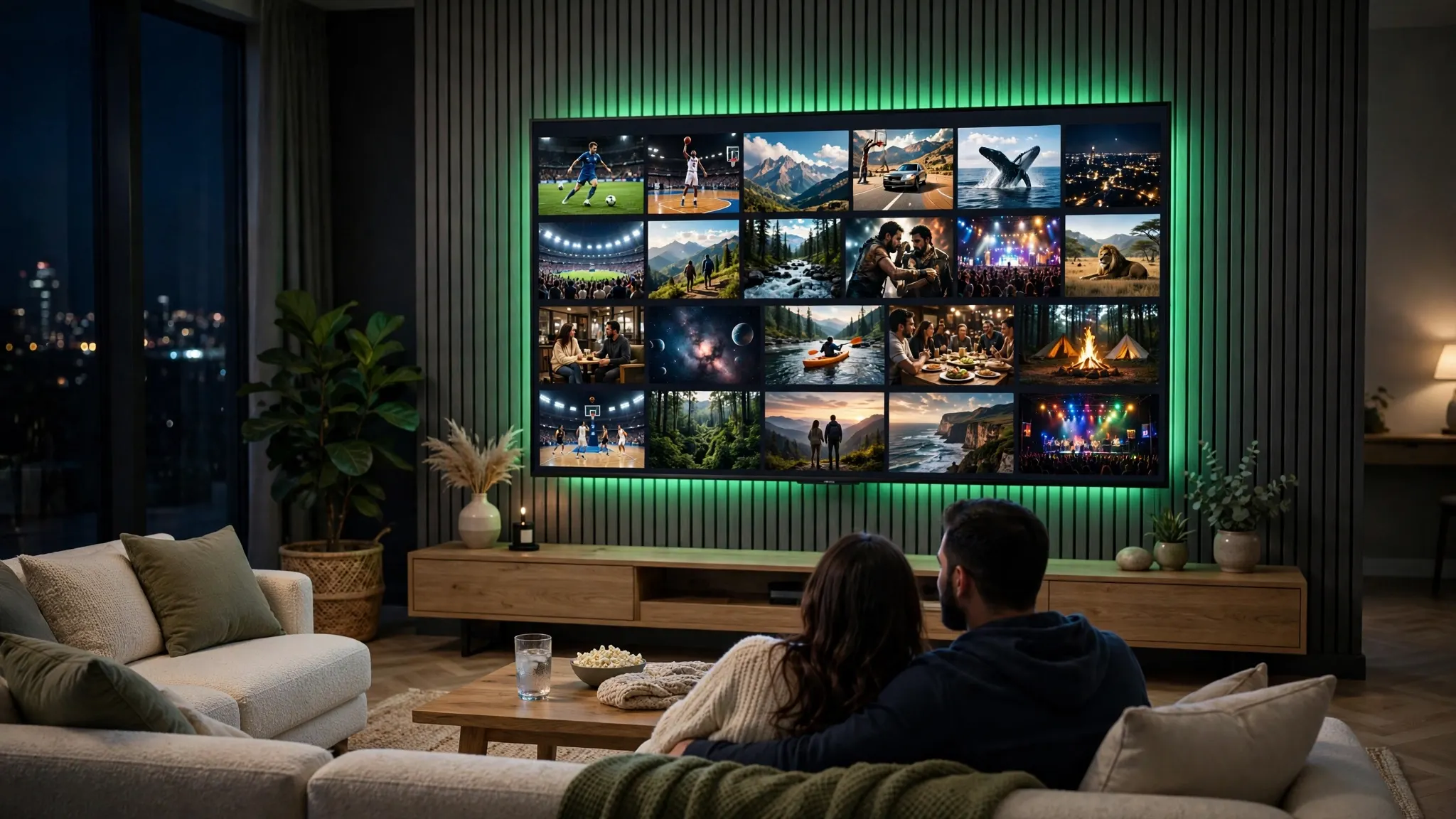
Picture quality is where a Premium service has to prove itself. Channels are provided in HD, Full HD and true 4K where the source broadcasts in that quality, so a nature documentary, a football match or a blockbuster film looks sharp on a large screen — not soft or upscaled. On a 4K television the difference is easy to see: cleaner edges, richer color and smooth motion during fast sport.
- True 4K feeds on channels that broadcast in 4K, with FHD and HD across the rest of the lineup.
- Smooth sport motion with high frame rates on major sports channels, so the ball stays clear in play.
- Consistent quality in the evening, when the whole street is streaming at once.
- Automatic fit for smaller screens — phones and tablets get a clean, data-friendly picture.
To enjoy 4K you need a 4K-capable device and around 25 Mbps of steady speed at the TV. HD needs far less, roughly 10–15 Mbps. A wired connection or strong Wi-Fi makes the biggest difference of all.
20,000+ channels plus a movies and series library
The live lineup runs to more than 20,000 channels covering sport, news, entertainment, movies, kids, documentaries and international programming. US channels are the heart of the service — national networks, premium movie channels, regional sports and local favorites — alongside strong UK, European and worldwide coverage for households that watch in more than one language.
Alongside live TV sits a large movies and series library that is updated regularly, so new releases and complete box sets are ready on demand. Between live channels, catch-up and on-demand, most families find they no longer need several separate streaming subscriptions at all.
Anti-freeze technology, EPG and catch-up
Nothing ruins a match like a freeze in the 89th minute. OrigineTv uses anti-freeze technology and load-balanced servers: when demand spikes at kickoff or prime time, viewers are spread across capacity so streams stay stable instead of stuttering. It is invisible when it works — which is exactly the point — and it is one of the biggest practical differences between a Premium service and a cheap, unmanaged list.
The electronic program guide (EPG) shows what is on now and next, in your own time zone, so planning an evening takes seconds. Missed a show? Catch-up TV lets you go back and watch recent programs on supported channels instead of hunting for a repeat. Add favorites, and your ten most-watched channels are always one click away.
Works on Firestick, Smart TV, Android, iOS and all devices
One subscription follows you around the house and out of it. Supported devices include:
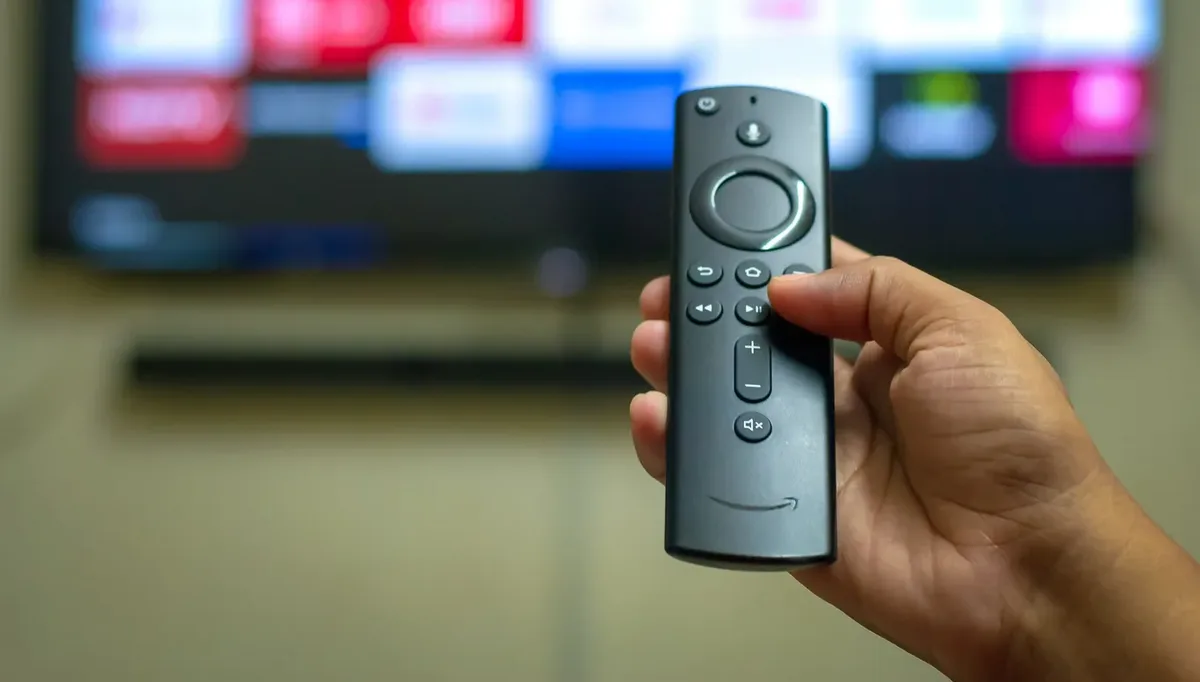
- Amazon Firestick and Fire TV — the most popular option; Amazon publishes setup and update help on its Fire TV support pages.
- Samsung and LG Smart TVs — install the player directly on the TV; Samsung Smart TV support covers firmware updates for Samsung models.
- Android TV, Android boxes, phones and tablets — flexible and widely supported.
- Apple TV, iPhone and iPad — Apple TV support covers tvOS updates and app installs.
- Computers — handy for travel, work breaks and second screens.
Plans cover 1 to 4 devices watching at the same time, so the living-room TV, a bedroom stick and a phone can all stream together. For a hands-on walkthrough, read our OrigineTv / OrigineTv setup guide for every device.
How to get started with 4k media tv in 3 steps
- Start the free trial. Message us on WhatsApp and ask for the 24-hour free trial of the full Premium service.
- Install and sign in. We send your login and the two-minute install steps for your device. Let the channel list and guide load fully the first time.
- Pick your Premium plan. If the trial convinces you, choose a duration and device count on the OrigineTv / OrigineTv Premium pricing page and order in the same chat.
The 24-hour free trial and Premium pricing
Every new customer can test the complete service free for 24 hours — every channel, all on-demand, the real guide — not a reduced demo. Use it properly: watch live sport at peak time, check your must-have channels, and try every device you plan to use. Questions about trials and devices are also answered in the OrigineTv FAQ.
Premium pricing is simple and one-time — no monthly card charges and no box rental:
- 1 Month: from $19.99 for 1 device
- 3 Months: from $39.99 for 1 device
- 6 Months: from $59.99 for 1 device
- 12 Months: from $99.99 for 1 device
Every plan is Premium only, paid once, and ready within 10 min – 8H after you order. Longer plans simply lower the cost per month, and higher device counts cover the whole household on a single subscription.
Sources & further reading
Try it free for 24 hours
Free 24H trial of the full Premium service — one-time payment plans, ready within 10 min – 8H.
See Premium Plans Get 24H TrialStay safe while streaming
One practical tip whichever provider you choose: streaming runs over your home connection, so a reliable VPN keeps your viewing private and can help with ISP throttling at peak hours — and pairing it with an ad blocker for cleaner browsing keeps the device you stream on protected too.
Some of the links in this section are affiliate links — we may earn a commission at no extra cost to you.