Buy IPTV Subscription: A Safe Step-by-Step Guide to Getting Started in 2026

Buying your first IPTV subscription should feel as safe as signing up for any other streaming service — but the market is crowded, and not every seller deserves your money. If you are about to buy IPTV subscription access for the first time, this guide walks you through the exact order of operations: what to check before you pay, how to compare what is actually included, how to test a service free for 24 hours, and how ordering works in practice. At OrigineTv we run every new customer through this same process, and OrigineTv viewers who follow it rarely run into surprises later — because the testing happens before the payment, not after.
Before you buy IPTV subscription plans: check your internet and device
Every good streaming experience starts with two boring checks. First, your connection. A stable HD stream needs roughly 10–15 Mbps of real, consistent speed, and true 4K needs around 25 Mbps — measured at the TV, in the evening, not on a speed test run next to the router at noon. Run a test on the device you will actually watch on using Speedtest by Ookla, and repeat it at prime time. If your Wi-Fi is weak in the living room, a wired Ethernet connection or a mesh node fixes more "IPTV problems" than any provider change ever will.
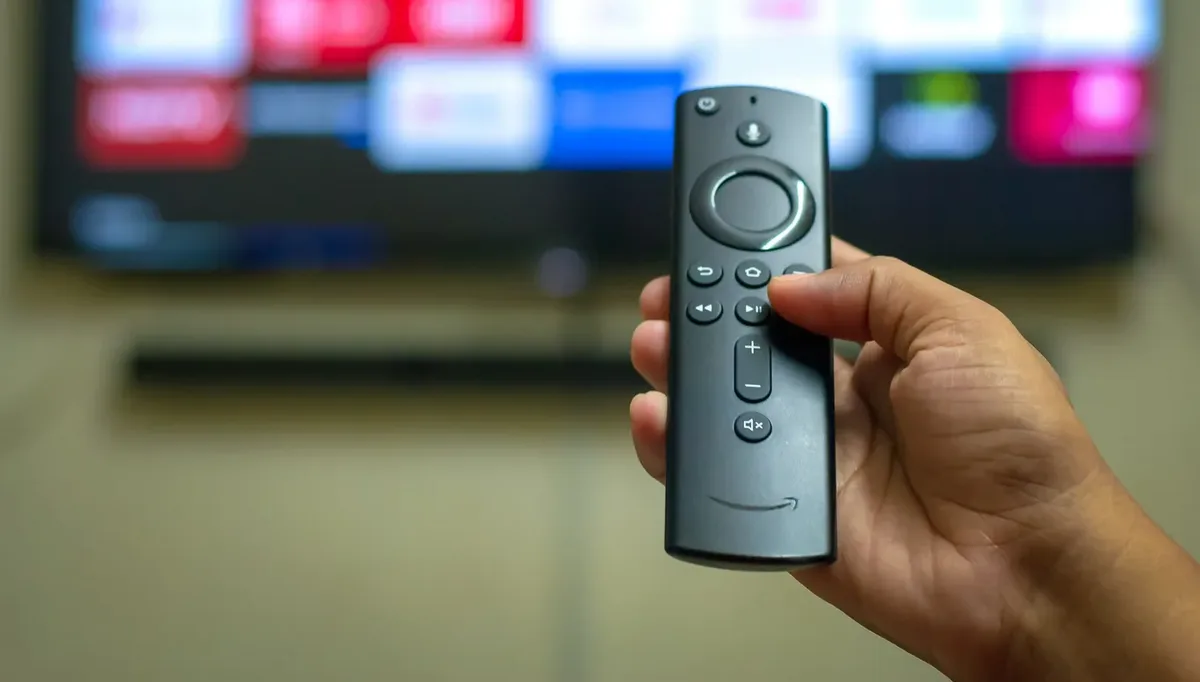
Second, your device. IPTV runs on almost everything — Firestick, Android TV, Samsung and LG smart TVs, Apple TV, phones, tablets and computers — but an old, full or outdated device will struggle no matter how good the service is. Check that your Firestick or Fire TV has storage free and its software updated; Amazon's Fire TV pages show the current device range and update steps. Smart TV owners should install the latest firmware too — Samsung Support publishes the update path for its models, and LG's support hub does the same. Five minutes of housekeeping here saves hours of troubleshooting later.
Compare what is included before you buy IPTV subscription access
Two subscriptions with similar prices can include very different things. Before you buy IPTV subscription access from anyone, compare the full package, not the headline channel count:
- Channels and on-demand. Live channels in HD and 4K where broadcast, plus a movies and series library that is actually updated.
- EPG and catch-up. A program guide in your time zone and catch-up TV for the channels you watch most.
- Devices included. How many screens one subscription covers — and what extra devices cost.
- Anti-freeze technology. Load-balanced servers that hold up during live sport and prime time.
- Support. A real channel where a human answers — and how fast — before you ever need it.
- Payment terms. Clear one-time or monthly pricing, with no rented-box fees and no long contract.
Our companion guide to watching US channels, sports and movies with IPTV shows what a complete lineup looks like in practice, and the IPTV subscription USA guide covers verifying US coverage channel by channel.
Step by step: how to buy IPTV subscription access with OrigineTv
- Start with the 24-hour free trial. Message us on WhatsApp and ask for the trial. You get the full Premium service — every channel, all VOD — not a cut-down demo.
- Test like you mean it. During the trial, watch a live match at peak time, open your ten most-watched channels, check the guide against real start times, and try every device you plan to use.
- Choose a duration and device count. Premium plans run 1, 3, 6 or 12 months for 1 to 4 devices, all one-time payments — see the full grid on the OrigineTv Premium pricing page. One month on 1 device is $19.99; twelve months on 1 device is $99.99.
- Order through WhatsApp. Tell us the plan you picked on the same WhatsApp chat. No account forms, no card details on an unfamiliar website — a short conversation with a person.
- Receive activation within 10 min – 8H. Your login and setup instructions arrive in the chat. Most orders are ready far sooner than the 8-hour maximum.
- Install the player app and sign in. Follow the two-minute install for your device, enter your login, and let the channel list and guide load fully the first time.
Red flags to avoid when buying any IPTV subscription
The steps above protect you from most problems. These warning signs should stop a purchase completely, whoever the seller is:
- No trial, or a "trial" of a reduced service. A confident provider lets you test the real thing.
- Lifetime access for a tiny one-off fee. Servers cost money every month; lifetime deals disappear with your money.
- No reachable support. If the only contact is a form nobody answers, walk away before you pay, not after.
- Impossible channel counts with no guide. 100,000 channels and no EPG means an unmanaged list, not a service.
- Pressure tactics. Countdown timers and "price doubles tonight" are sales tricks, not service quality.
- Payment only through untraceable channels. You should always know who you paid and how to reach them.
For a second opinion on judging providers, our checklist in how to pick the best IPTV service in the USA applies the same tests from the viewer's side.
Quick answers before you buy
How long does activation take?
Between 10 minutes and 8 hours after you order on WhatsApp. Order before the evening and you will almost always be watching the same night.
Can I really test before paying?
Yes — the 24-hour trial is the complete Premium service, free. Test peak-hour sport and your own channels; that is exactly what it is for. Common trial and device questions are also answered in the OrigineTv FAQ.
How many devices should I choose?
Count the screens that will stream at the same time, not the screens you own. One device suits a single viewer; families watching in two rooms at once should pick 2 or more.
What if I get stuck during setup?
Reply in the same WhatsApp chat. Setup help is part of the service, and most issues are a two-minute fix — an app update, a login re-entry, or a router restart.
Sources & further reading
Test first, then decide
Free 24H trial of the full Premium service — one-time payment plans, ready within 10 min – 8H.
See Premium Plans Get 24H TrialStay safe while streaming
One practical tip whichever provider you choose: streaming runs over your home connection, so a reliable VPN keeps your viewing private and can help with ISP throttling at peak hours — and pairing it with good antivirus cover keeps the device you stream on protected too.
Some of the links in this section are affiliate links — we may earn a commission at no extra cost to you.