IPTV 24 Hour Free Trial: How to Test a Service Before You Pay

Every IPTV provider looks good on its own sales page. The channel lists are long, the screenshots are glossy and the promises are big — but none of that tells you how the service behaves on your TV, on your internet connection, at 8 p.m. on a match night. That is exactly why an IPTV 24 hour free trial matters: it is the one honest test a provider can offer, and at OrigineTv it is the test we recommend every new customer runs before spending anything. Twenty-four hours is enough time to check picture quality, channel speed, the TV guide and — most importantly — stability when everyone else is online too. This guide shows you how to use those hours properly, so the trial answers the questions that actually decide whether a service is worth your money.
Why a trial beats reviews and channel lists
Reviews tell you what a service was like on someone else's connection, in someone else's country, three months ago. A channel list tells you what exists, not how it plays. Streaming quality depends on three things no review can reproduce for you: the route between the provider's servers and your home, your own Wi-Fi and device, and how the service holds up at peak hours, when thousands of viewers tune in at the same time.
A full day of access removes the guesswork. You watch the channels you actually care about, on the device you actually own, at the times you actually watch. If a provider refuses any kind of trial, or insists you pay before seeing a single channel, treat that as information in itself — confident services let the product do the talking. Our approach at OrigineTv is simple: message us on WhatsApp and you get the complete Premium service for 24 hours — not a cut-down demo with the good channels locked away.
What to check during your 24 hours
Don't spend the trial idly channel-surfing. Run through this checklist instead:
- Peak-hour stability. The most important test. Watch a live channel between 7 p.m. and 10 p.m., when networks are busiest. A service that freezes at peak time will keep freezing after you pay.
- Live sports. Fast motion exposes weak streams instantly. Watch a few minutes of a live match and look for smooth motion, sharp detail and no stutter when the camera pans.
- Real 4K and HD quality. Switch between HD and 4K channels. Genuine 4K is visibly crisper; some services upscale or mislabel standard-definition streams.
- Channel zapping speed. Time how long channels take to open. One to two seconds is healthy; five seconds of black screen is not.
- The TV guide (EPG). Check that the guide loads correctly, shows the right programmes for your timezone, and covers the channels you watch most.
- Movies and series. Open a few titles from the on-demand library, confirm they start fast, and check that subtitles work if you use them.
- Your other devices. If you'll watch on a phone, tablet or second TV, test the login there too — and before subscribing, check how many devices each plan includes (our Premium pricing lays out the 1–4 device options).
- Support. Ask a question during the trial, even a simple one. The speed and quality of the reply is the support you will get as a paying customer.
How to run the trial, step by step
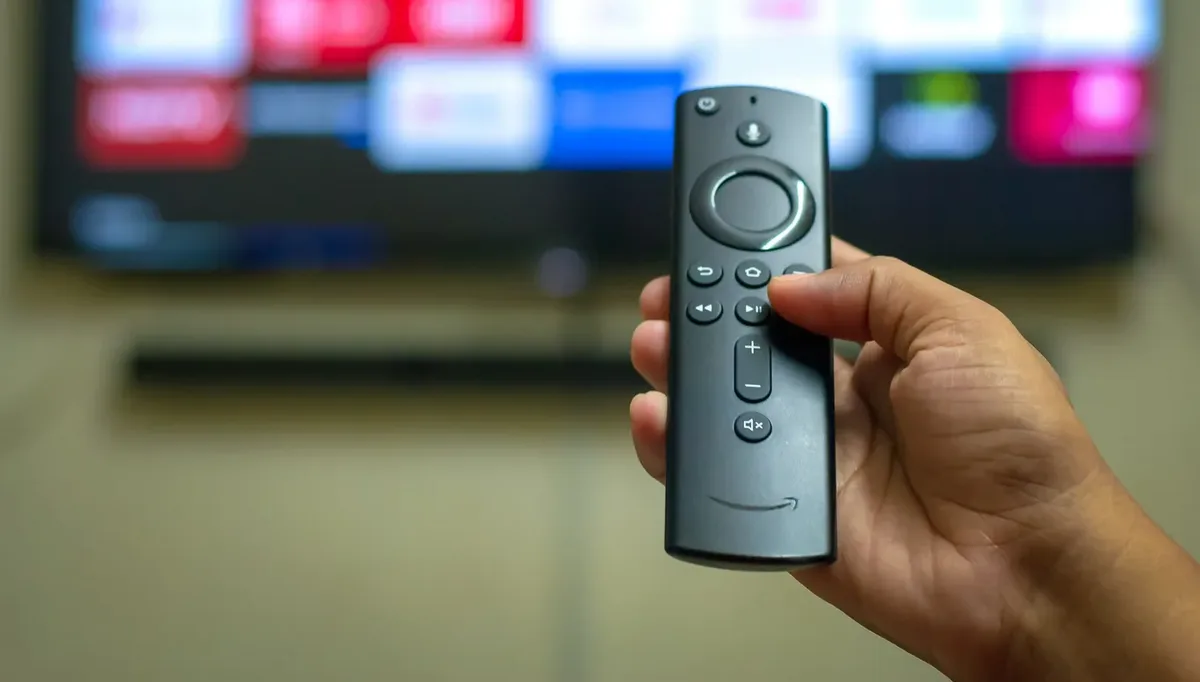
Step 1 — Prepare your device. Install your preferred player app and make sure your device software is up to date. Firestick owners can use Amazon's official Fire TV help pages for update and troubleshooting basics, and our Firestick setup guide walks through the player install itself.
Step 2 — Check your baseline speed. Run Speedtest by Ookla on the device you will stream on. As a reference point, Netflix's published speed recommendations suggest around 15–25 Mbps for HD and 25 Mbps or more for 4K — a sensible yardstick for IPTV too. If your numbers are far below that, fix the connection first; even the best service cannot beat a weak line.
Step 3 — Start the trial at the right time. Ask for your trial to begin in the late afternoon, so your 24 hours include at least one full peak evening — ideally with a live event you care about inside the window.
Step 4 — Test like it's a normal night. Don't give the trial an artificially easy ride. Use your usual Wi-Fi rather than a temporary cable you will never use again, at your usual hours, with the rest of the household online as normal. You are testing your real life, not a lab.
Step 5 — Note any problems precisely. If something buffers, write down the channel and the time. A good support team can diagnose a lot from that, and how they respond tells you plenty. If the freeze turns out to be on your network's side, our buffering fixes guide solves most cases in one evening.
Red flags a good trial exposes
- Channels that work in the afternoon but freeze every evening
- A TV guide that is empty, wrong, or days out of date
- "4K" channels that look no sharper than standard definition
- Sports streams running minutes behind real time
- Support that disappears the moment you ask a technical question
- Pressure to pay immediately, with discounts that "expire within the hour"
Any one of these during a trial is a reason to walk away — that is the entire point of testing first. A service that passes the evening peak, plays real 4K, loads its guide properly and answers your questions has earned the subscription.
After the trial: what subscribing looks like
If the trial passes your tests, subscribing should be just as transparent. At OrigineTv, every plan is Premium — there is no basic tier with the good channels removed. You pay once, with no monthly billing surprises, choose 1 to 4 devices, and your subscription is ready within 10 minutes to 8 hours. Prices start at $19.99 for one month on one device, and the full matrix is in the Premium plans section of our homepage. Still deciding? Our FAQ covers trials, devices and payments in plain language.
The bottom line: never buy an IPTV subscription blind. Twenty-four hours of real testing on your own TV is worth more than a hundred reviews. Run the test, use the checklist, and let the service prove itself.
Sources & further reading
Try OrigineTv free for 24 hours
Full Premium access — every channel, every match, all VOD — on your own TV, free for a full day.
See Premium Plans Get 24H TrialStay safe while streaming
One practical tip whichever provider you choose: streaming runs over your home connection, so a reliable VPN keeps your viewing private and can help with ISP throttling at peak hours — and pairing it with an ad blocker for cleaner browsing keeps the device you stream on protected too.
Some of the links in this section are affiliate links — we may earn a commission at no extra cost to you.